Samsung Dryer Error Codes
Short answer: most Samsung dryer codes come back to heat and air. HC means the dryer is running too hot, and tC or tE is a temperature reading problem. Samsung says the usual cause of both is a clogged lint screen or vent. dC is the door, 9C1 is the power supply, and C80, C90 or Clg only appear after the dryer’s own vent test.
Common Samsung dryer codes
| Code | What Samsung says it means | What you can do |
|---|---|---|
| HC, hE, HC4 | The dryer is getting too hot. Less often on electric dryers, the heater isn’t hot enough because the voltage is low. | Clean the lint screen and the vent. If it’s electric and the vent is clear, have an electrician check the voltage at the outlet. |
| tC, tE, tS, tO, tE3, tC5 | A problem with the temperature or the sensors that read it, most often heat trapped by lint. | Clean the lint screen and the vent. If the code stays, book service. |
| dC, dE, dF, dO | The door, latch or door sensor isn’t reading closed. | Check for clothes in the door and that the latch is tight. A damaged latch needs service. |
| 9C1, 9E, 2E, 9E1 | Something is wrong with the voltage reaching the dryer. | The dryer should be on its own circuit with no extension cord. On an electric dryer, the power cord has to be installed correctly. |
| AC, AE, Et, E3 | The dryer’s boards can’t talk to each other. | Turn it off for 60 seconds and back on. |
| FC, FE | The power frequency looks wrong. | Restart the cycle. If it stays, book service. |
Samsung also names 3C (motor), oD (dry time), HC2 (gas ignition) and 1 AC7 (electronic control). For those, turn the dryer off for 2 to 3 minutes, power it back on and restart. Meanings checked against Samsung’s US and Canadian support pages in October 2026.
Call (415) 585-5900 or book online
Mon–Fri 8am–5pm · $219 service call, free if you go with the repair · 90-day parts and labor on qualifying repairs
The vent test codes: Clg, C80, C90
Some Samsung dryers can test their own vent. These codes only show up after that test has run:
- Clg or Cg: the vent is clogged.
- C80 or C8: about 80 percent of the vent is blocked.
- C90 or C9: more than 90 percent is blocked.
- C1 or CL1: the test found laundry in the drum. Empty it and run the test again.
- Ct: the dryer is below freezing or above 104°F. Let it sit at room temperature for an hour.
If you see Clg, C80 or C90, clean the lint screen and the exhaust vent, then run the test again. The steps to start the test vary by model, so check your manual. It’s worth running once a year, especially if your dryer vents through a long duct to the roof or a light well, which is common in San Francisco buildings.
9C1 on a stacked pair
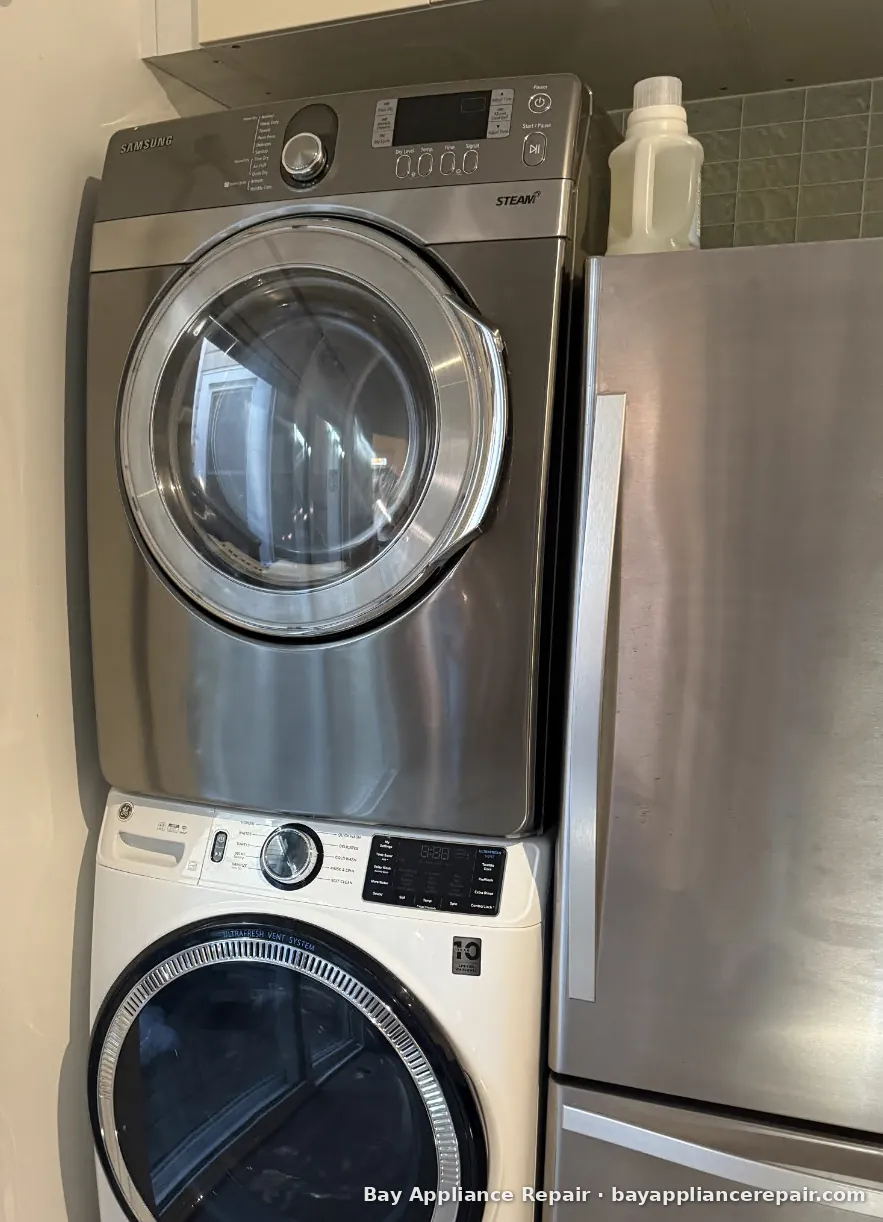
If your Samsung washer and dryer are stacked and controlled through a multi-control kit, the washer can report a 9C1 for the dryer when you try to use the dryer within 5 seconds of turning the washer on. Samsung fixes this with a software update through the SmartThings app. It takes about 20 minutes, and the dryer won’t respond while it installs.
Don’t unplug it during “dn”
dn means a firmware download is in progress. Samsung warns that cutting power during the download can leave the dryer inoperable and needing service. It restarts on its own when the update finishes.
When HC or a no-heat code stays after the lint screen and vent are clean, the problem is usually inside the dryer: a heating element, a thermal fuse or a sensor. Dryer repair starts from $275 with OEM parts, gas or electric. The $219 service call is free if you go with the repair, and you get the exact price first. Visits come in two windows, 8am–12pm or 12pm–5pm, and the technician calls or texts when on the way.
When to call
- HC or tC comes back with a clean lint screen and a clear vent
- The dryer runs but clothes come out cold, especially on a gas model (HC2)
- 9C1 on a dryer that has its own outlet and the latest software
- Any burning smell, or a cabinet too hot to touch (stop the dryer and unplug it)
Gas dryers: if you smell gas, don’t touch switches, leave the room and call PG&E or 911 from outside.
We repair Samsung dryers, gas and electric, across the San Francisco Bay Area. See Samsung appliance repair, dryer repair, dryer not heating and dryer takes forever. The $219 service call is free if you go with the repair, and you get the exact price up front (how pricing works). We use OEM parts, qualifying repairs get 90 days on parts and labor, and same-day service available.
Our technicians are factory trained on Samsung. This guide is ours, not Samsung's. Code meanings are paraphrased from Samsung's public support pages.
Bay Appliance Repair, 140 San Pedro Rd, Daly City, CA 94014 · (415) 585-5900 · BEAR #46247 · Mon–Fri 8am–5pm. We come to you; there is no walk-in counter.
Call (415) 585-5900 or book online
Mon–Fri 8am–5pm · $219 service call, free if you go with the repair · 90-day parts and labor on qualifying repairs
Common questions
How do I clear an HC code on a Samsung dryer?
Clean the lint screen, then clear the vent from the back of the dryer to the outside. Samsung says trapped heat from lint is the most common cause. Turn the dryer off and on and run a cycle. If HC comes back with a clear vent, a thermostat, the heater or low voltage may be the cause, and it needs testing.
What does 9C1 mean on a Samsung dryer?
It points to the power supply. Make sure the dryer has its own circuit and isn't on an extension cord. If it's stacked with a Samsung washer on a multi-control kit, 9C1 can be a software issue that Samsung fixes with an update in the SmartThings app.
Can I unplug my Samsung dryer if it shows dn?
No. dn means it's downloading new firmware, and Samsung warns that cutting power during the download can make the dryer stop working until it's serviced. Leave it on. It restarts by itself when the update is done.